Everything a builder runs, in one place.
Fourteen modules, arranged the way a job actually moves — enquiry, quotation, site, material, wages, money. Each stage hands the next one its numbers, so nothing is typed twice.
One job, from the first phone call to the last payment.
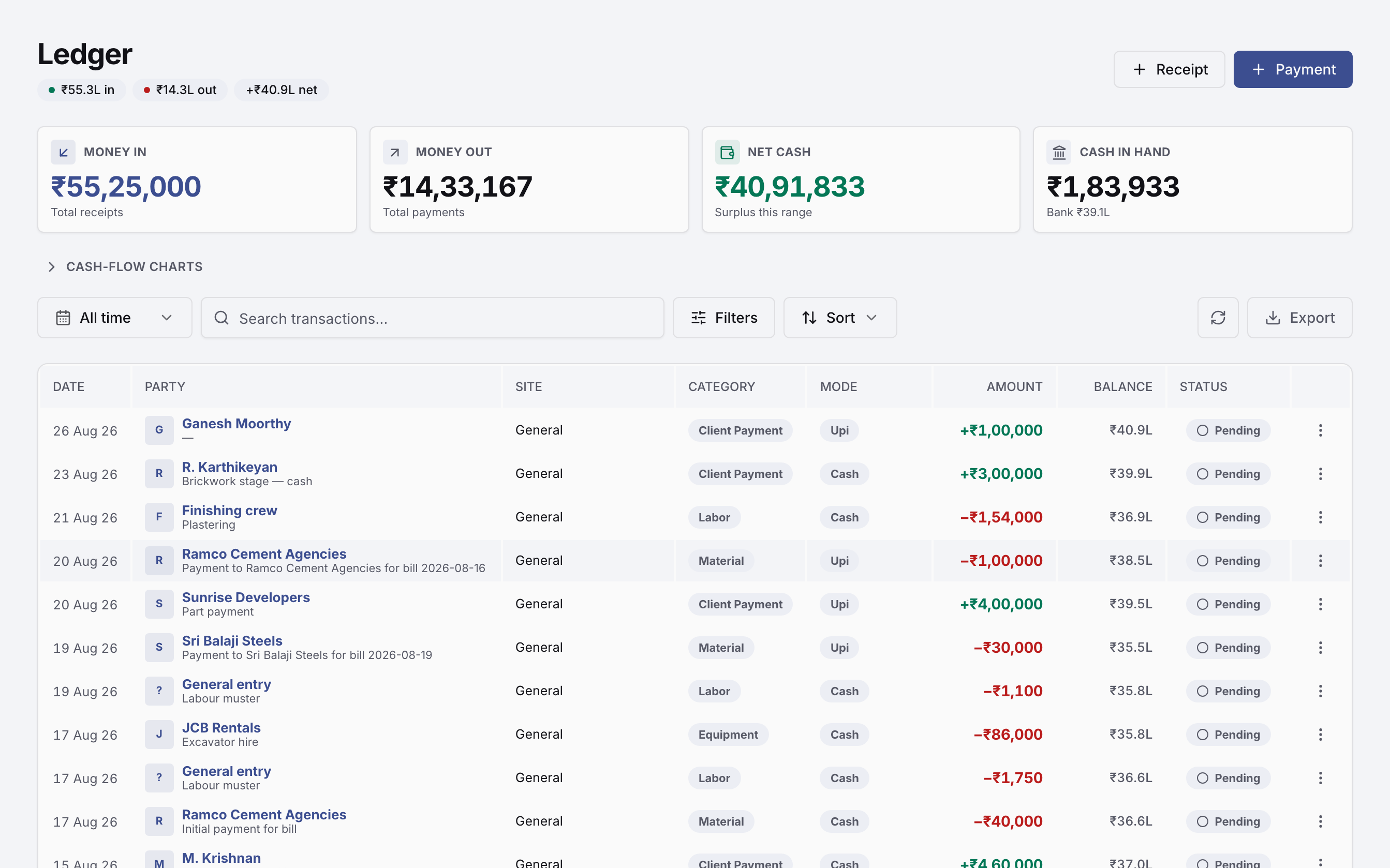
1An enquiry comes in
Someone calls about a plot in Saravanampatti. Today that is a name in a notebook, and a follow-up that happens if somebody remembers. Here it arrives in a pipeline that already knows who owns it and what happens next.
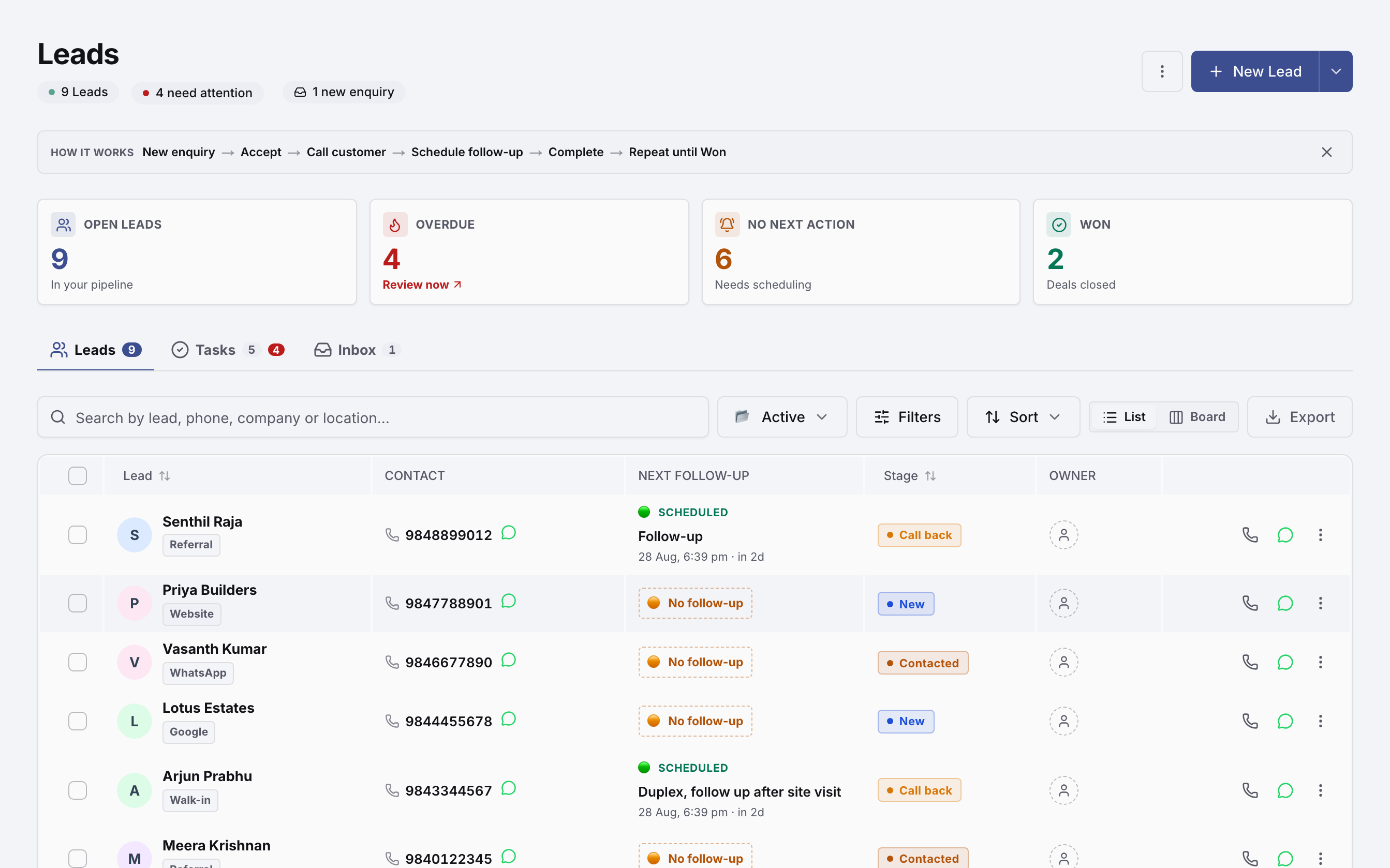
2You put a price on it
Either way you quote — a bill of quantities at your own rates, or a turnkey package at a rate per square foot — the number that goes to the client is the number that becomes the budget when you win.
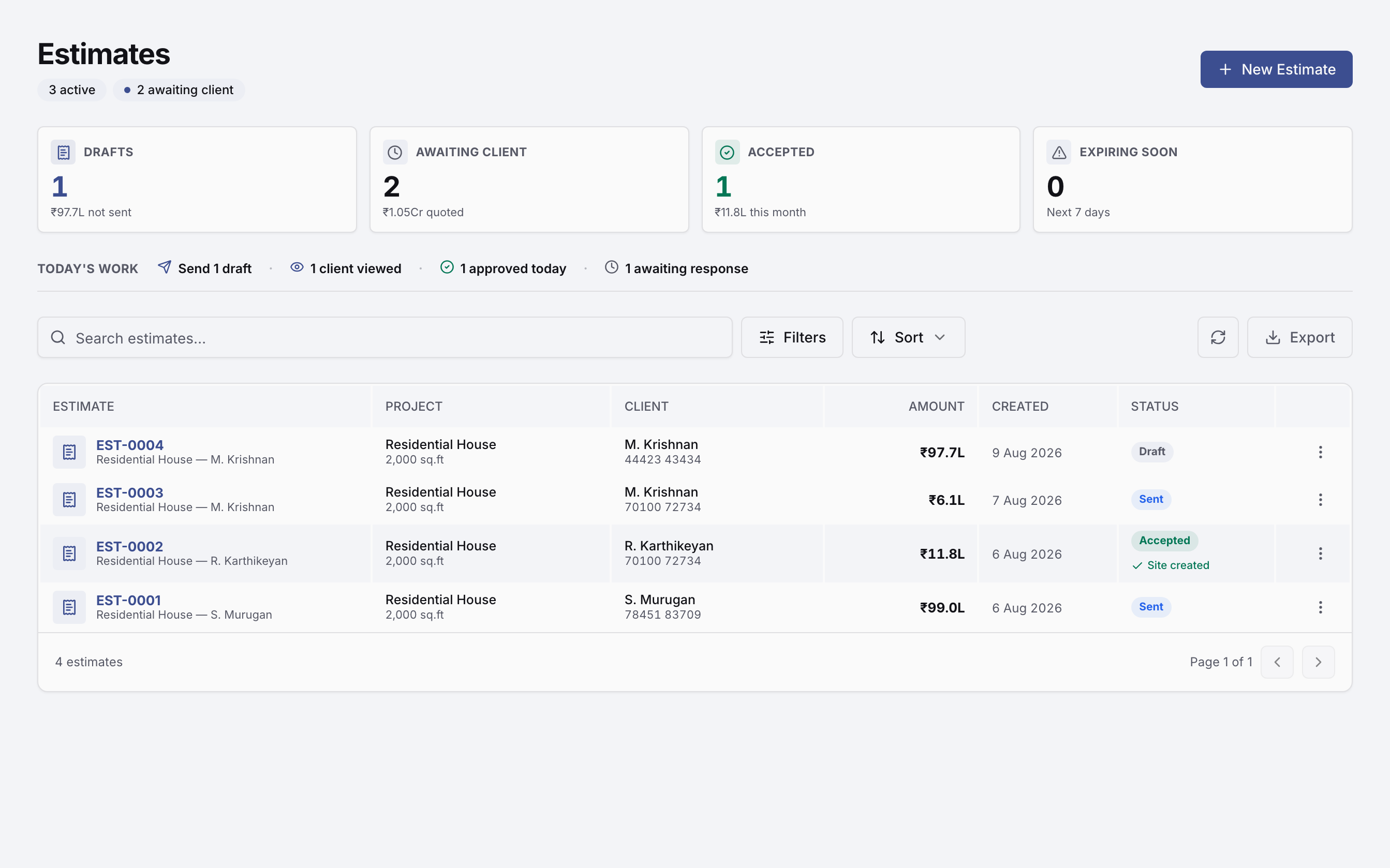
3The job becomes a site
Nothing is re-typed. The estimate you won carries its budget, its stage payment plan and its scope across, and the schedule tells you which delay actually moves your handover date and which one has float.
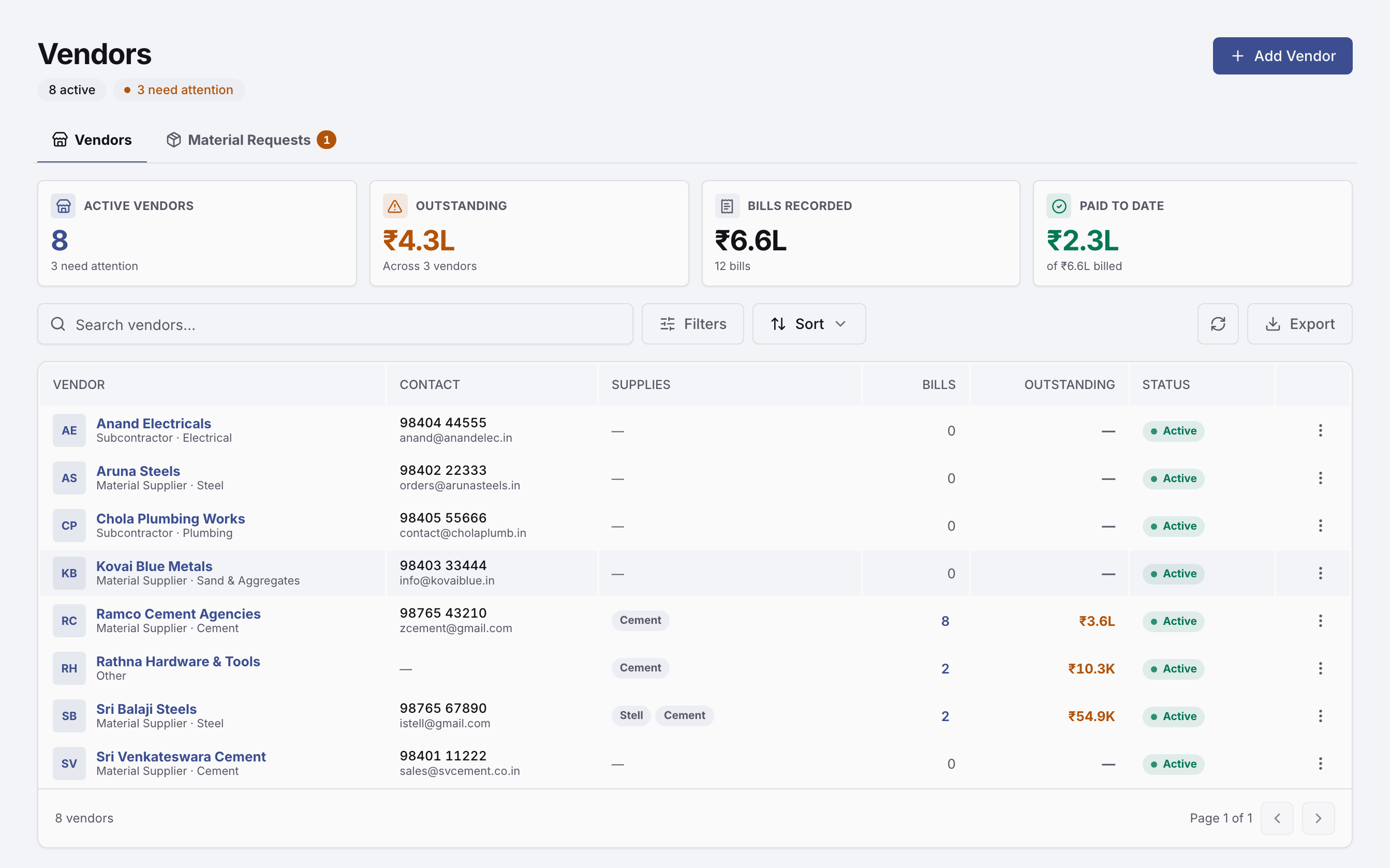
4Material starts moving
Cement is ordered, received, issued to a site and billed — four events that normally live in four places. Each one is linked to the order before it, so a bill nobody ordered and a second payment on the same bill both stop being possible.
5The crew gets paid
Mason, helper, maistry. The muster is marked on a phone at the site gate, and that same day count is what payroll runs on — so labour cost lands on the site that used the labour, not in a lump at month end.
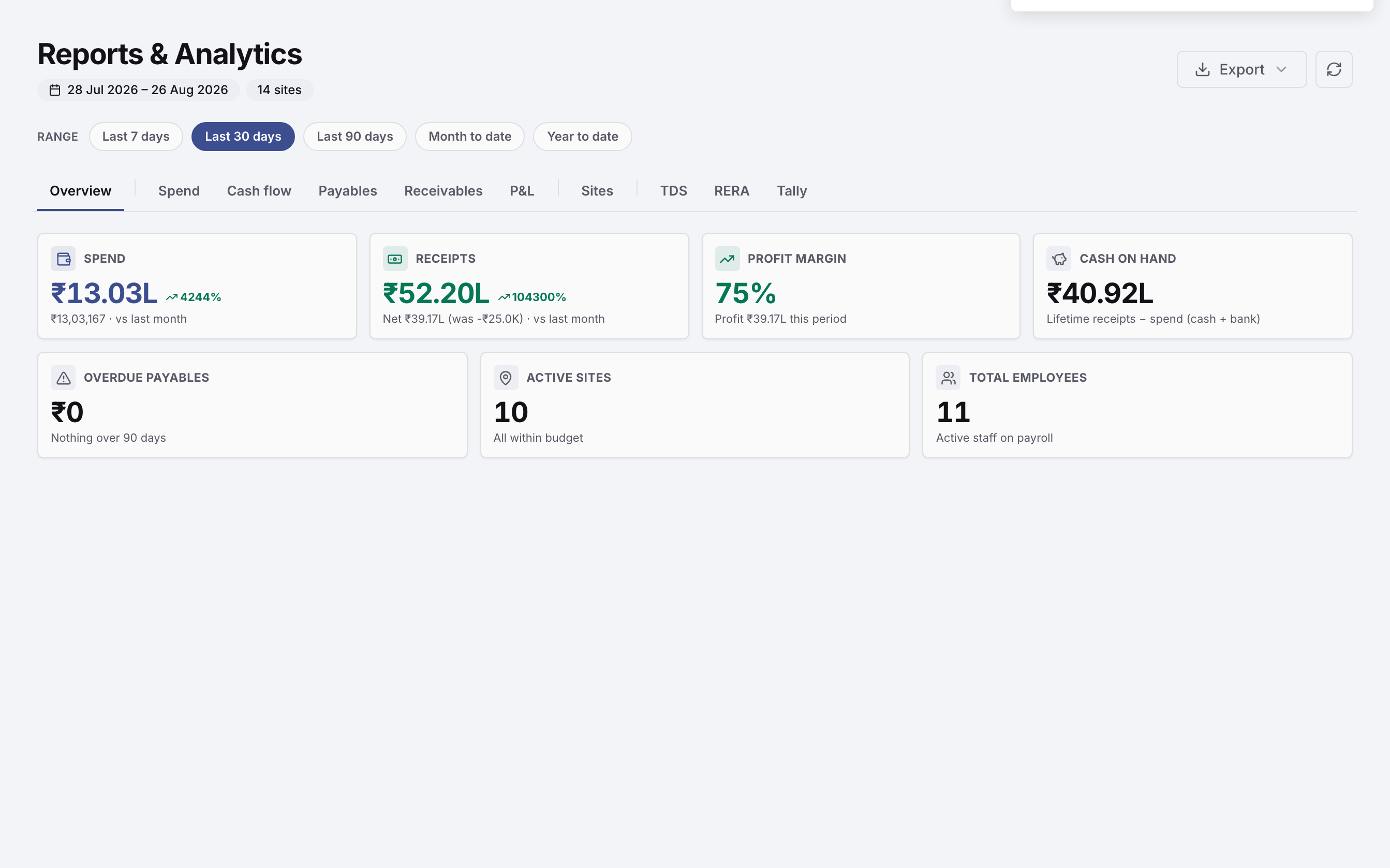
6You find out if you made money
Every entry above has already written itself into the books. Which is why the profit on a plot is a number you can look at on a Tuesday, rather than something your auditor tells you in September.
Three things run through all of it.
Not modules you switch on — part of the platform, used by every stage above.
Follow-ups, payment reminders and site updates go out on WhatsApp from inside the app. Templates, delivery logs and replies stay attached to the lead or the project they belong to.
Notifications and email
A new enquiry, a bill waiting on approval, a payment received, a follow-up falling due — routed to the people who need it, on the channels each of them chose.
Roles and an audit trail
Owner, admin, manager and member decide who sees money and who only sees work. Every change is recorded, so a number that moved can be traced to whoever moved it.
What this is instead of.
A notebook
The daily muster, and the wage sheet worked out from it on a Sunday.
Excel
Estimates, the payment schedule, and a site cost sheet only one person can open.
Tally
The books — correct, but a month behind, and blind to which site spent it.
Indents, site photos, and the approval that is somewhere in a group chat.
None of the four is wrong. They just do not know about each other, and every handoff between them is where a number drifts or a follow-up gets dropped.
See it on one of your own projects.
We set up a real site of yours during the demo — your rates, your vendors, your crew — so you are looking at your own numbers, not a sample tenant.